Step by step guide to link Aadhar Card with Voter ID online
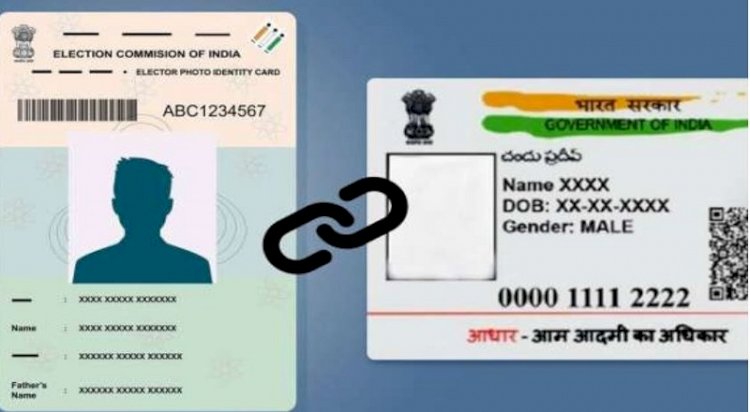
The Election Commission (EC) of India launched a campaign on August 1 to link voter identification cards with Aadhaar cards in few states. Voter ID cards and Aadhaar cards are being linked in order to verify voter identity, authenticate entries on the electoral roll, and identify cases of the same person’s name being registered in more than one constituency or more than once in the same constituency. Step by step guide to link Aadhar Card with Voter ID online.
The government has made it clear that linking Aadhaar to voter identification cards will only be optional, and voters must provide a good reason for doing so. According to a PTI report, former Chief Election Commissioner Sushil Chandra had said that voters would need to have a good cause for not linking the unique identifying number to voter ID cards.
By completing a new Form 6B, those who wish to link their Aadhaar numbers with their voter identification can do so. A voter’s Aadhaar number can be submitted both online and offline. Every person whose name appears on the electoral register is eligible to submit Form 6B along with their Aadhaar number to the electoral registration officer.
Step-by-step guide to link Aadhar with Voter ID online:
– Visit eci.gov.in, the election commission’s official website
– Login to the portal using either your mobile number, email id, voter id number
– Enter your state, district, and other personal details –name, date of birth and father’s name
– Click on the search icon
– Your details will match the government’s database and will be displayed on the screen.
– On the left side of the screen, select “Feed Aadhaar No.”
– A pop-up page will appear
– Login to the portal using either your mobile number, email id, voter id number
– Enter your state, district, and other personal details –name, date of birth and father’s name
– Click on the search icon
– Your details will match the government’s database and will be displayed on the screen.
– On the left side of the screen, select “Feed Aadhaar No.”
– A pop-up page will appear
What's Your Reaction?